-
Shop Banner
- Automobile Banner
- Book Store Banner
- Education Banner
- Ultrabook
- Florist Banner
- Furniture Shop Banner
- Gym Banner
- Hardware Shop Banner
- Hotel Banner
- Optical Shop Banner
- Pet Shop Banner
- Photography & Videography Banner
- Restaurant Banner
- Salon & Beauty Parlour Banner
- Stationery Shop Banner
- Sweet Shop Banner
- Bakery Shop Banner
- Computer Shop Banner
- Jewellery Shop Banner
- Garment Shop Banner
- Grocery Shop Banner
- Medical Shop Banner
- Mobile Shop Banner
- Electronic Shop Banner
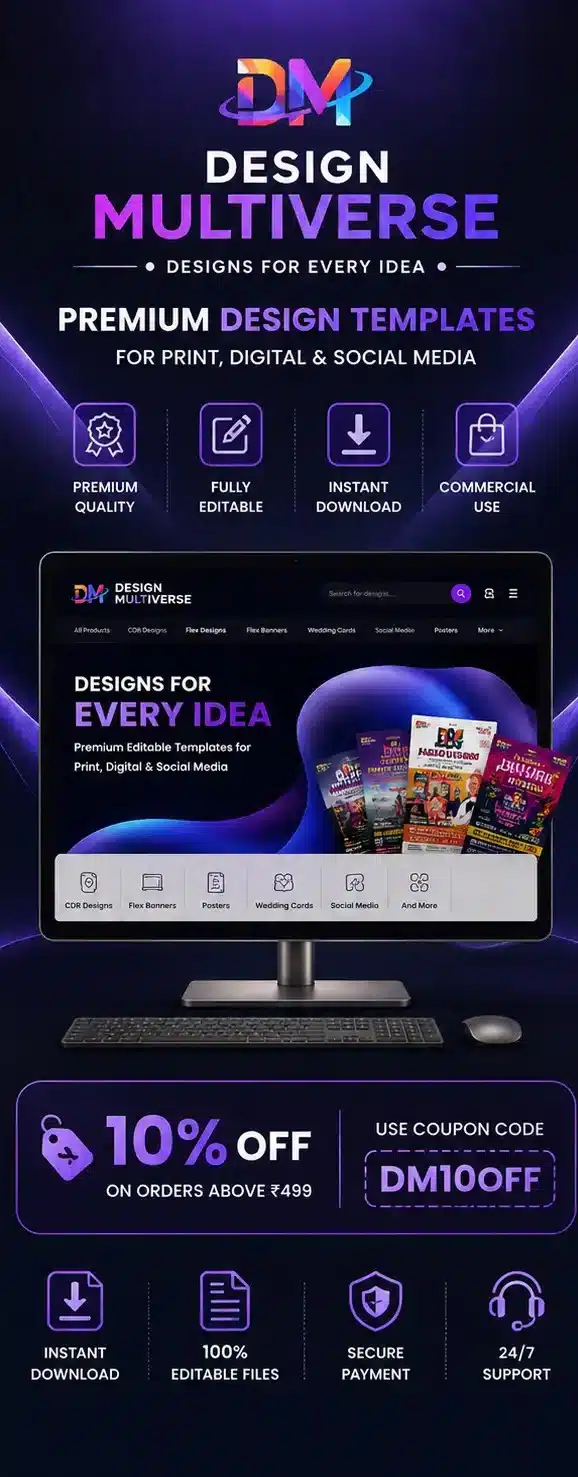


DesignMultiverse Vendor Marketplace
Turn Your Creativity Into Income
Become a DesignMultiverse vendor and sell your original digital design resources to designers, businesses, print shops, freelancers and creators.
✓ Digital Products
✓ Vendor Dashboard
✓ Secure Payments
✓ Instant Delivery
Why Sell With Us
Everything You Need to Sell Digital Designs
DesignMultiverse gives creators a dedicated marketplace environment to publish, manage and sell digital products.
01
Reach More Customers
Showcase your designs to customers looking for ready-to-use professional digital creative resources.
02
Earn From Your Creativity
Turn your design skills and original creative resources into a potential source of digital income.
03
Your Own Vendor Store
Manage your products and build your presence through your dedicated DesignMultiverse vendor area.
04
Instant Digital Delivery
Customers can access eligible digital products without physical shipping or traditional delivery processes.
05
Secure Payments
Payments are processed through the marketplace payment system, with vendor earnings managed through the platform.
06
Vendor Dashboard
Manage products, orders, sales information and other vendor activities from your dedicated dashboard.
Product Categories
What Can You Sell?
Publish original or properly licensed digital creative assets that meet DesignMultiverse quality and marketplace requirements.
CD
CDR Templates
PS
Posters
PF
Pamphlets
FB
Flex & Banner Designs
WI
Wedding Invitations
BC
Business Cards
CE
Certificates
SM
Social Media Templates
FE
Festival Designs
EC
Election Campaign Designs
PR
Printable Resources
+
Other Approved Assets
A Simple Vendor Experience
Focus on creating great digital products while using the marketplace tools available to manage your vendor activity.
✓
Easy digital product management
✓
Dedicated vendor dashboard
✓
Product and order management
✓
Sales and earning information
✓
Vendor withdrawal management
Digital-First Marketplace
DesignMultiverse focuses on downloadable digital creative resources, making the marketplace suitable for designers, creators and businesses.
✓
No physical inventory required for digital products
✓
Digital files can be delivered online
✓
Products can be managed from your vendor dashboard
✓
Suitable for scalable digital product selling
Before You Start
Vendor Requirements
Every vendor is expected to maintain product quality, accuracy and respect for intellectual property.
01
Original or Licensed Content
Upload only content that you created yourself or have the appropriate rights and licenses to distribute.
02
Accurate Product Information
Product titles, descriptions, previews, file information and other details should accurately represent the product.
03
Copyright & Intellectual Property
Do not upload copyrighted, trademarked or otherwise protected material without proper authorization.
04
Quality Standards
Products should be usable, properly prepared and presented professionally for customers.
COMMISSION & PAYOUTS
Simple Marketplace Model
DesignMultiverse operates on a commission-based marketplace model. When a vendor makes a sale, the applicable platform commission is deducted according to the current marketplace structure, and the remaining eligible amount is managed as the vendor's earning.
Platform Commission
The applicable marketplace commission is automatically
deducted according to the current commission structure.
Vendor Earnings
Eligible earnings are reflected through the vendor
dashboard according to marketplace rules.
Withdrawals
Withdrawal availability may depend on minimum limits,
review procedures and payout schedules.
Current Information
Vendors should refer to their dashboard for the latest
applicable commission and withdrawal information.
Getting Started
How to Become a Vendor
Getting started is straightforward. Create your account, complete your vendor profile and submit your application.
01
Create Account
Create your DesignMultiverse account or log in to your existing account.
02
Choose Vendor
Select the vendor option during the applicable registration or vendor setup process.
03
Complete Profile
Add your vendor/store information and complete the required account details.
04
Submit Application
Submit your vendor application for review according to the marketplace process.
05
Start Selling
After approval, upload eligible products and start building your digital product collection.
Vendor Approval
Vendor applications may be reviewed before access to marketplace selling features is provided. Approval, rejection or additional review may be determined according to DesignMultiverse requirements and marketplace policies.
✓
Applications may be reviewed before approval.
✓
Additional information may be requested when required.
✓
Approval does not guarantee acceptance of every product.
Vendor Responsibilities
Vendors are responsible for maintaining the quality, legality and accuracy of the products they publish.
✓
Provide accurate product information.
✓
Respect copyright and intellectual property rights.
✓
Maintain professional product quality.
✓
Follow marketplace policies and guidelines.
✓
Provide appropriate customer support where applicable.
Ready to Sell Your Designs?
Join DesignMultiverse and turn your original digital design resources into products that customers can discover, purchase and use.
Become a Vendor →